
Best Power Supply for Gaming PC
Match wattage, GPU connectors, efficiency rating, and case fit before you buy.
ATX 3.x / PCIe 5.x
Gold or Better
Choose the PSU that fits the build
Start with the graphics card, CPU, connector type, case format, and upgrade plans before choosing wattage.
Best Gaming PSU Picks
Compare popular PSU options for different gaming builds, from balanced mid-range systems to high-end PCs with demanding graphics cards.
-
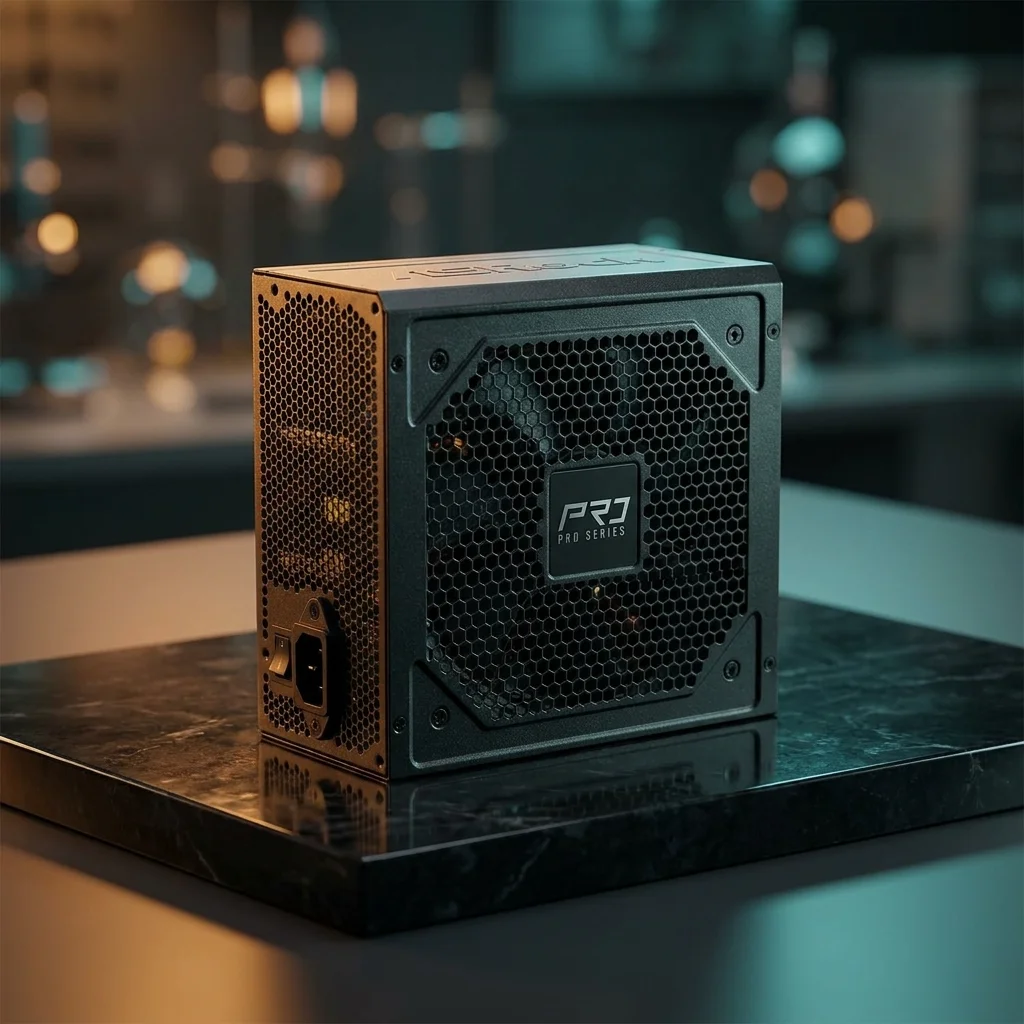
ASRock PRO 850G Power Supply
-
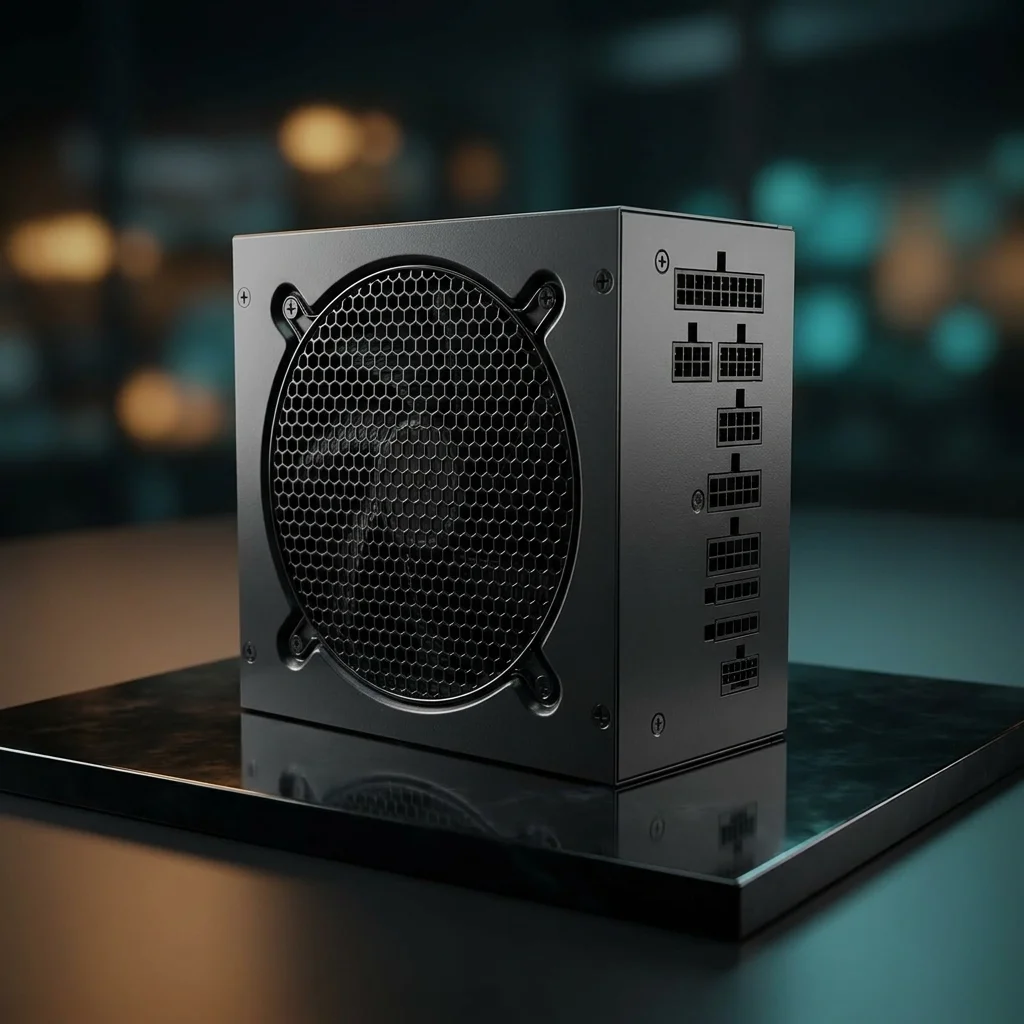
be quiet! Gold ATX Gaming PSU
-
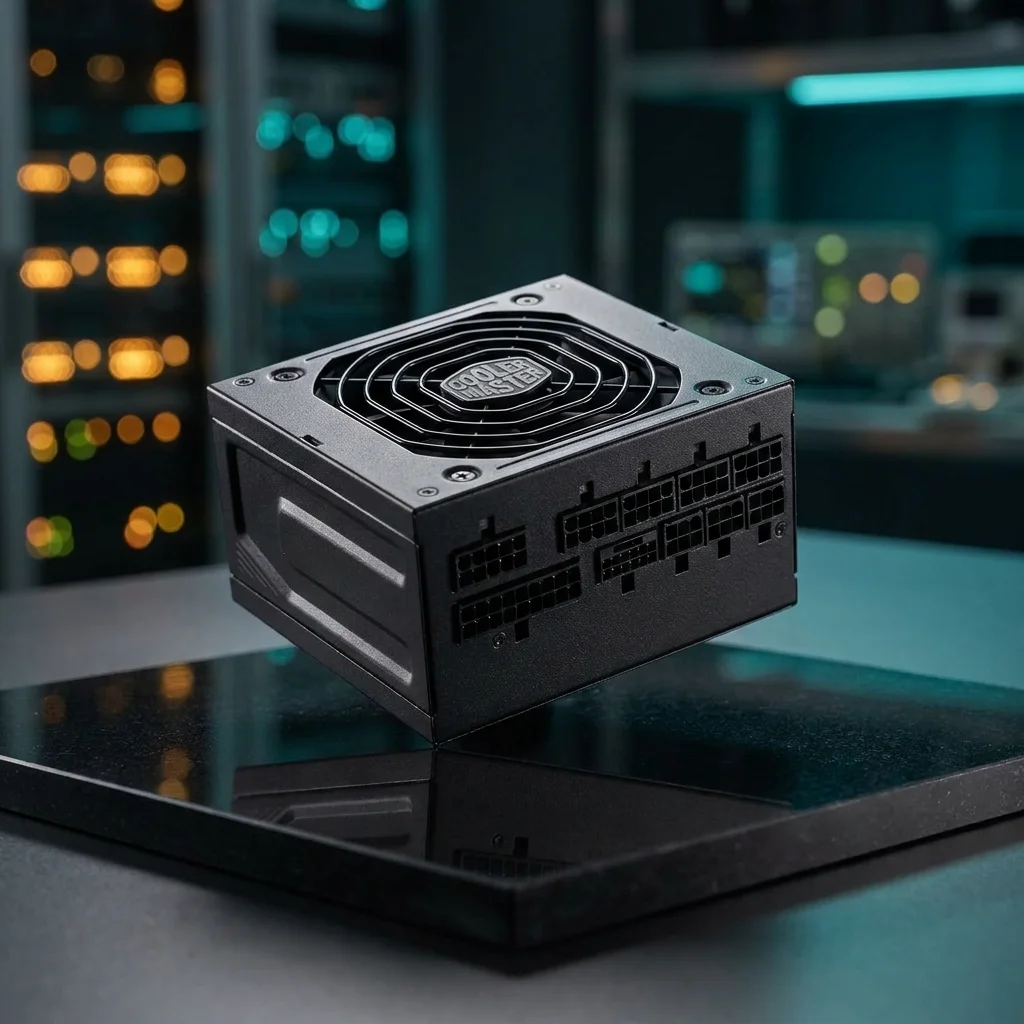
Cooler Master Gold ATX PSU
-
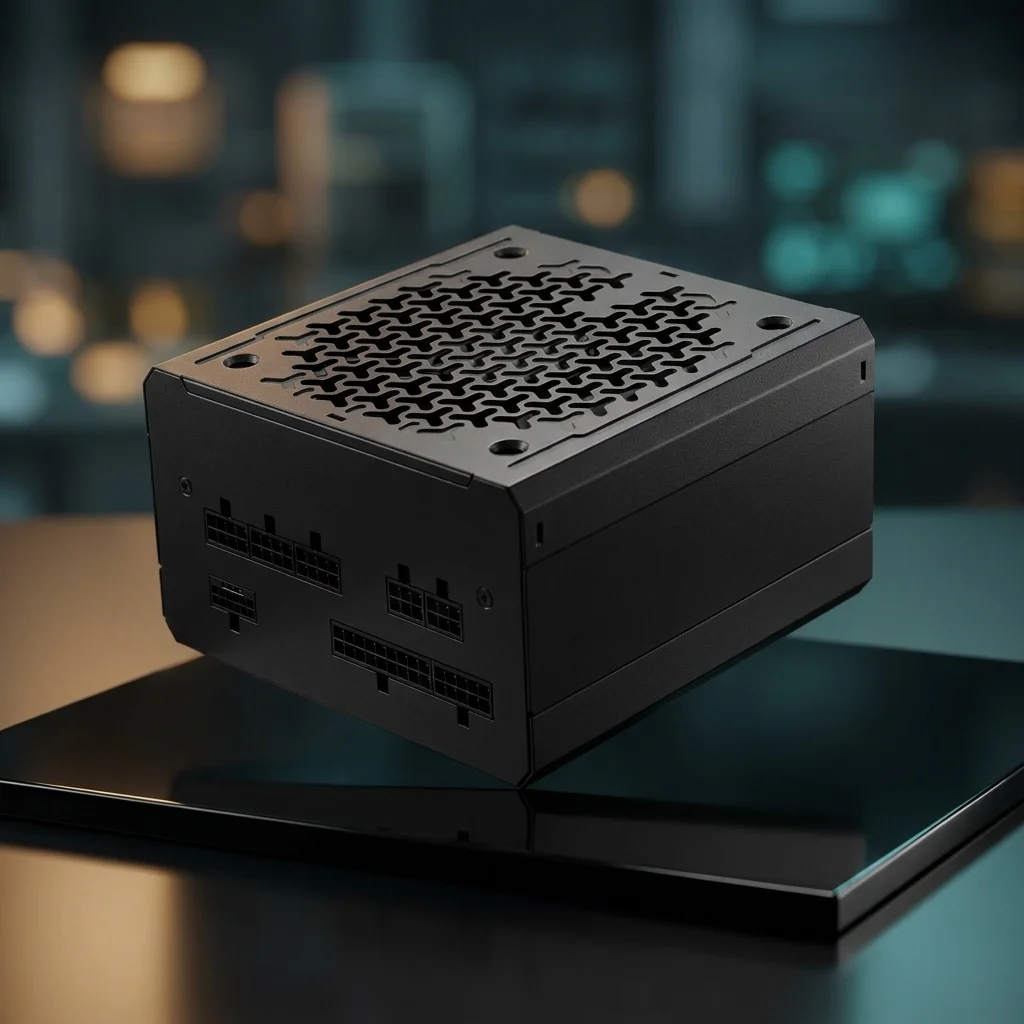
Corsair RM850e 850W Modular PSU
-
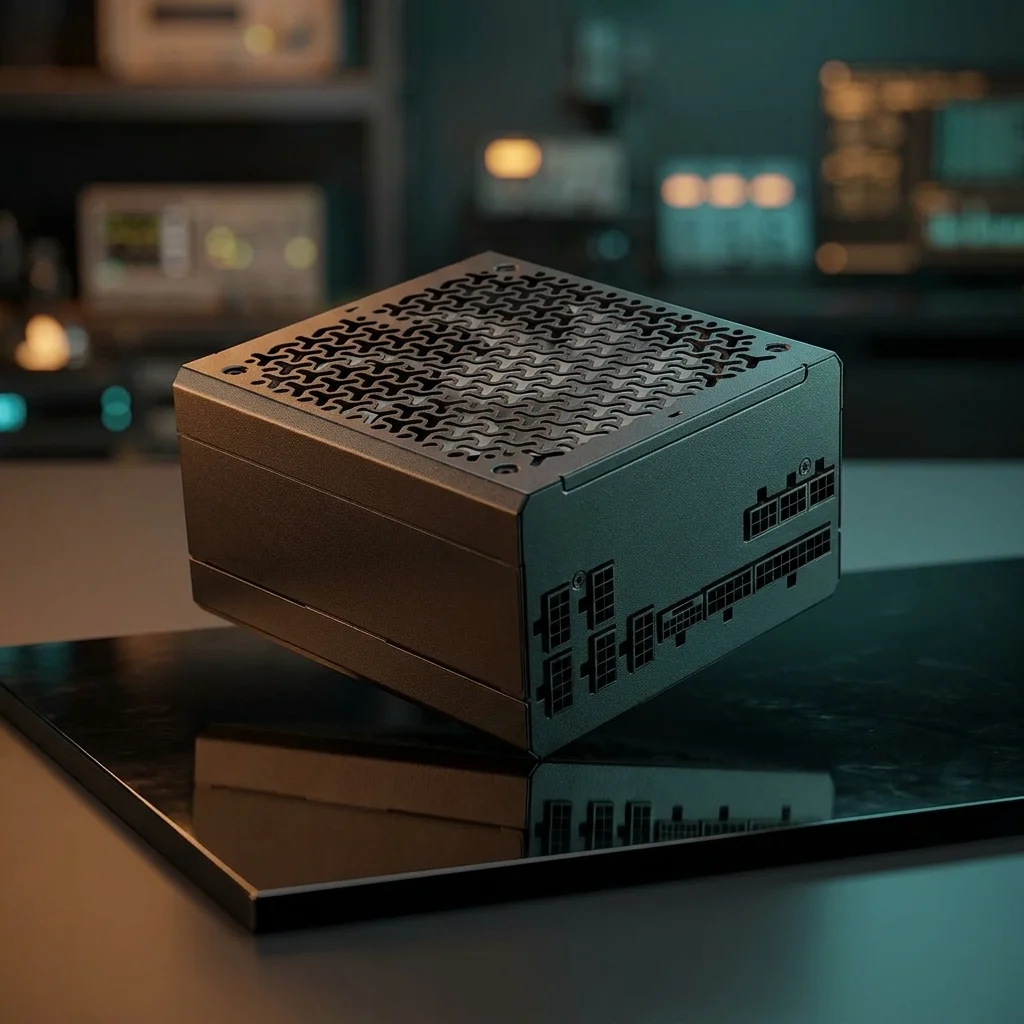
Corsair RM850x 850W Modular PSU
-
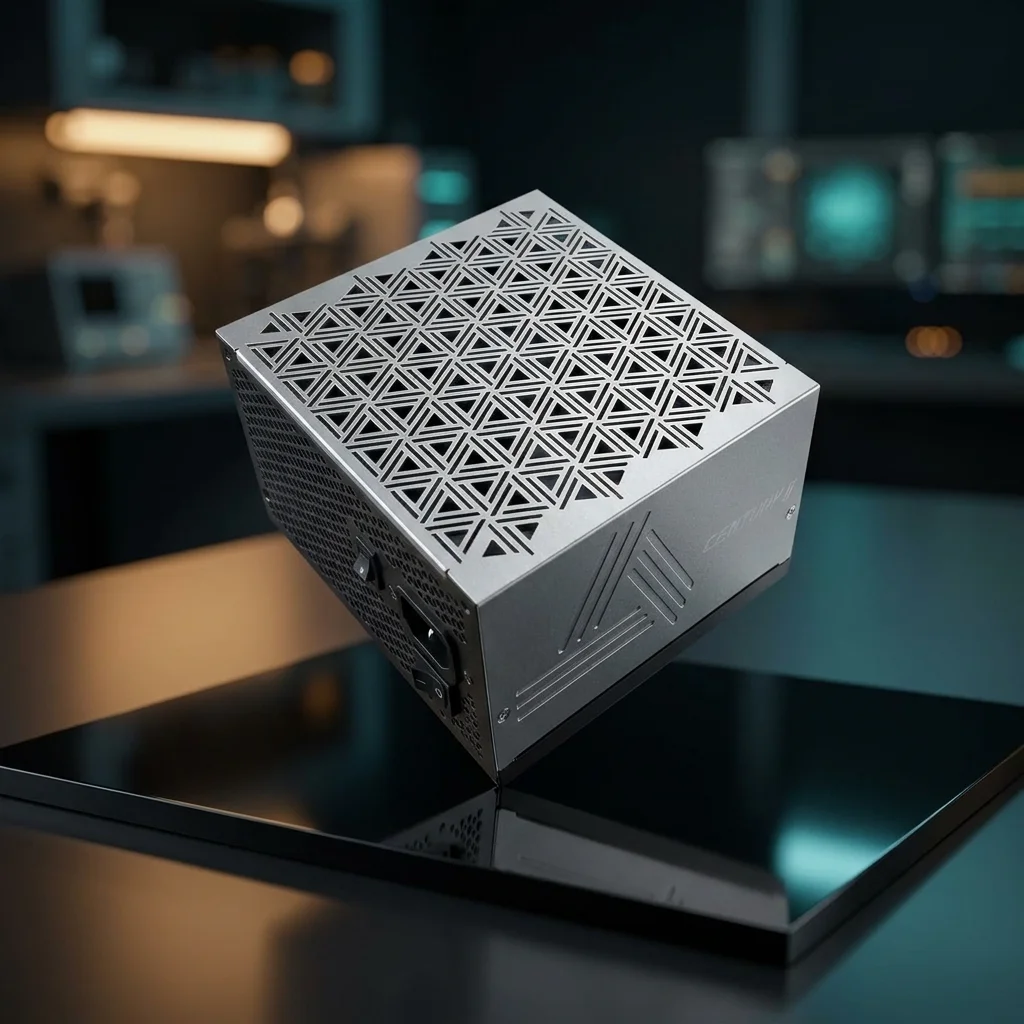
Montech Century II ATX Gaming PSU
-
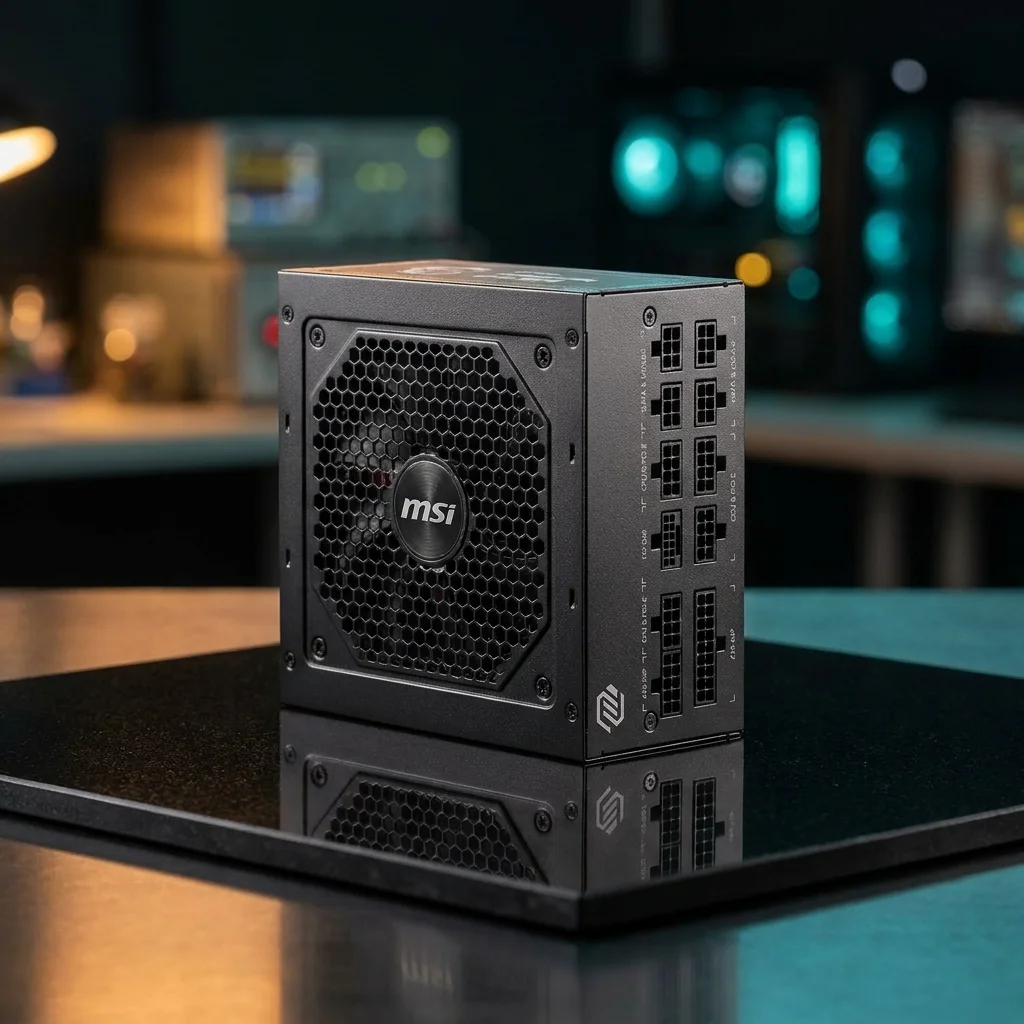
MSI MAG A850GL PCIE5 850W PSU
-
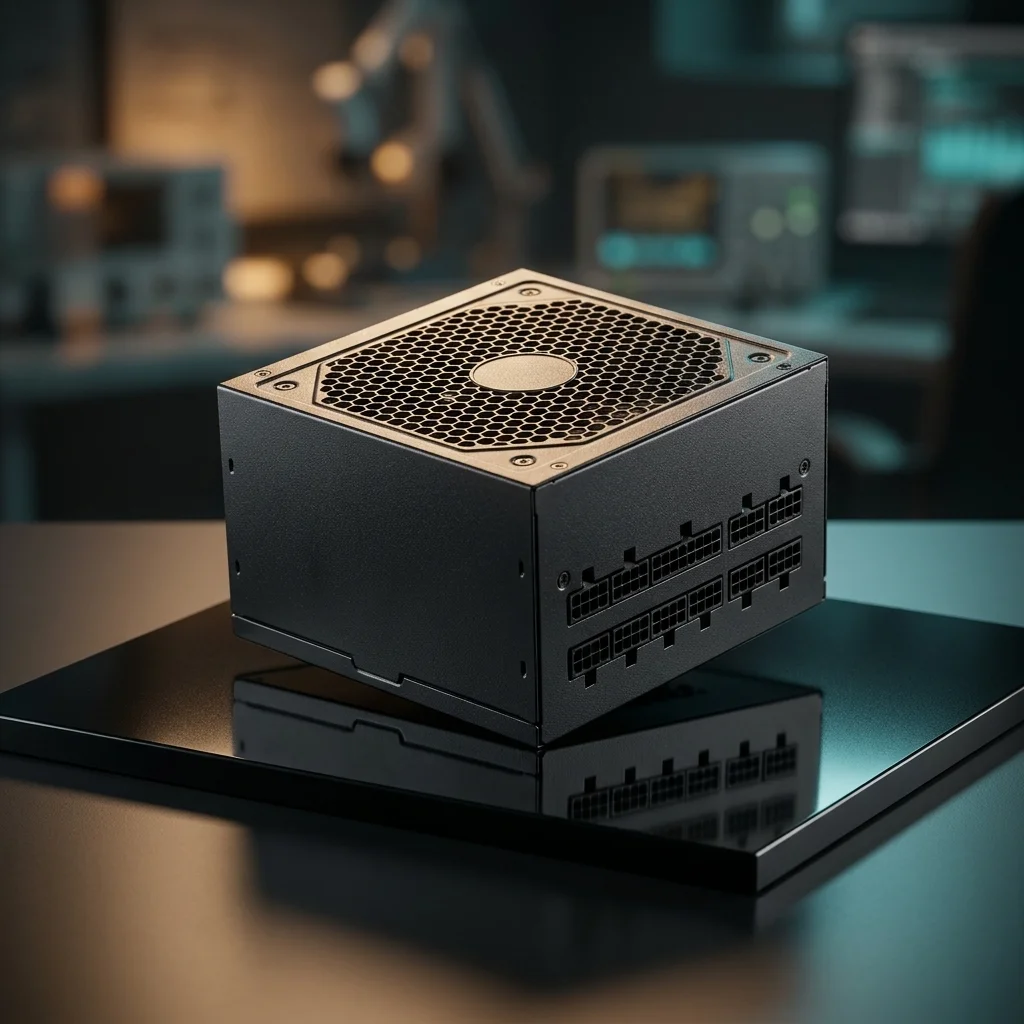
MSI MPG A850GS PCIE5 850W PSU
-
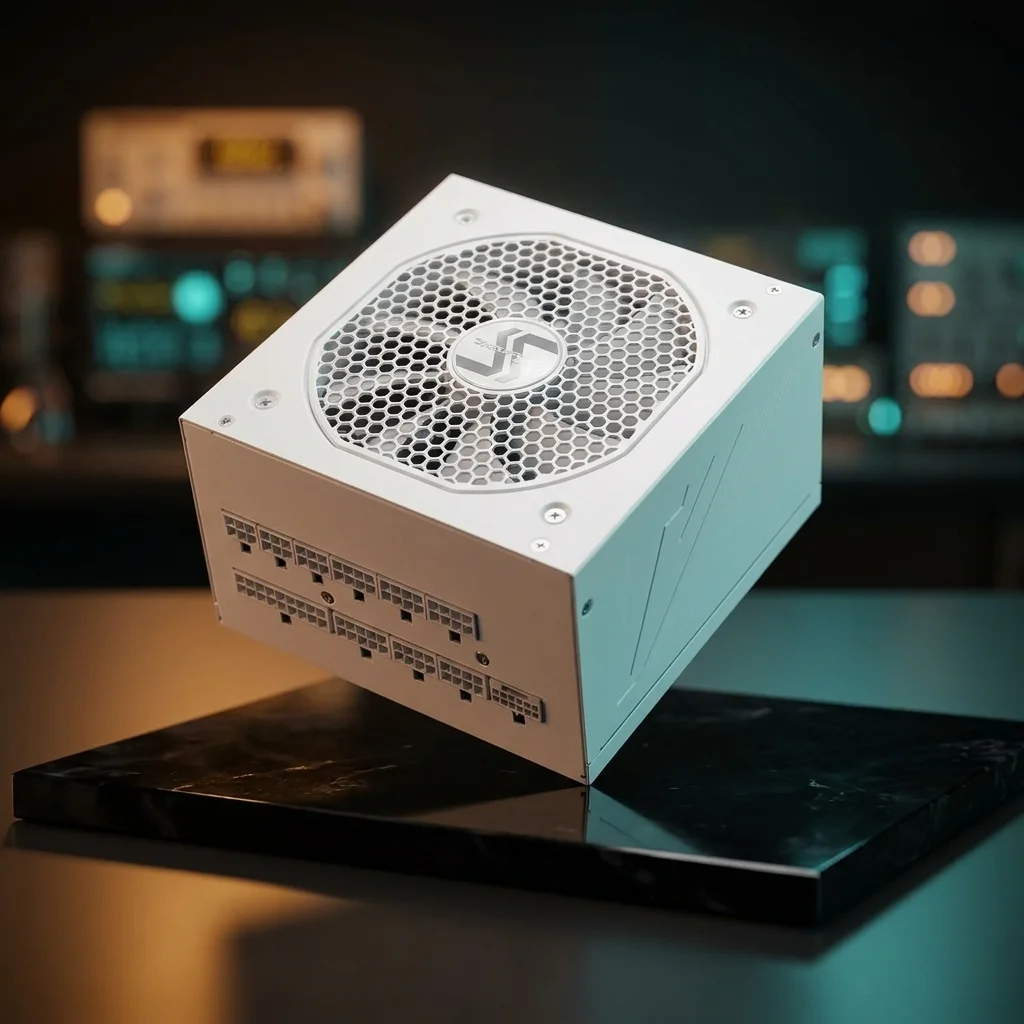
Seasonic GX-850 White ATX3 PSU
-
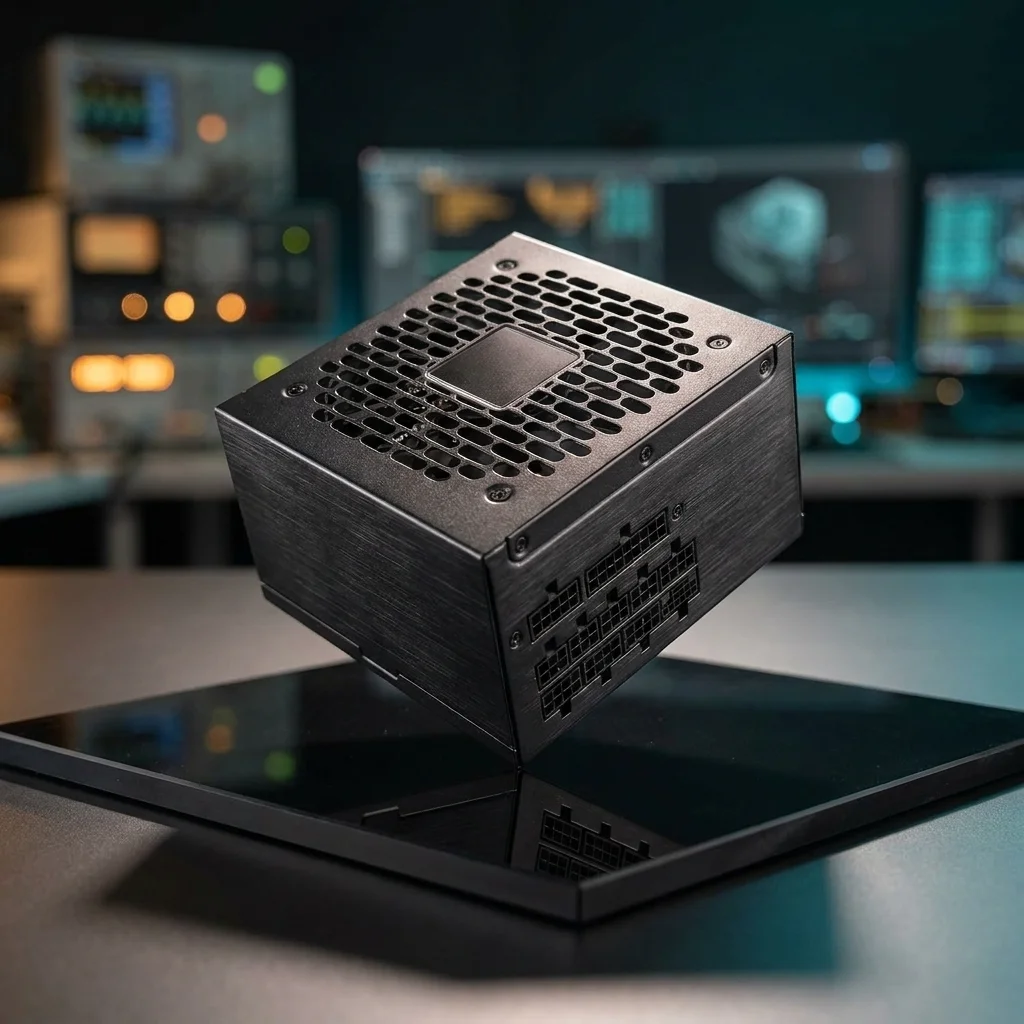
Thermaltake Toughpower 850W PSU
Wattage, Efficiency, and Case Fit
Most gaming PCs do not need the biggest PSU available. A better pick matches the graphics card, CPU, storage, fans, and expected upgrades, then leaves sensible headroom.
Efficiency ratings help compare wasted heat, but they are not a full quality score. Build quality, protections, warranty length, and trusted model-level reviews still matter.
Case format matters too. Standard ATX units fit many towers, while SFX and SFX-L units are common in compact builds.
How to Pick the Right PSU
A gaming PC power supply should be chosen by the full build, not only by brand or wattage. Start with GPU and CPU power draw, connector needs, case format, efficiency rating, and clean headroom.
This guide keeps the focus on practical fit: enough wattage, the right cables, stable power delivery, and a unit that physically fits the case.
This guide keeps the focus on practical fit: enough wattage, the right cables, stable power delivery, and a unit that physically fits the case.
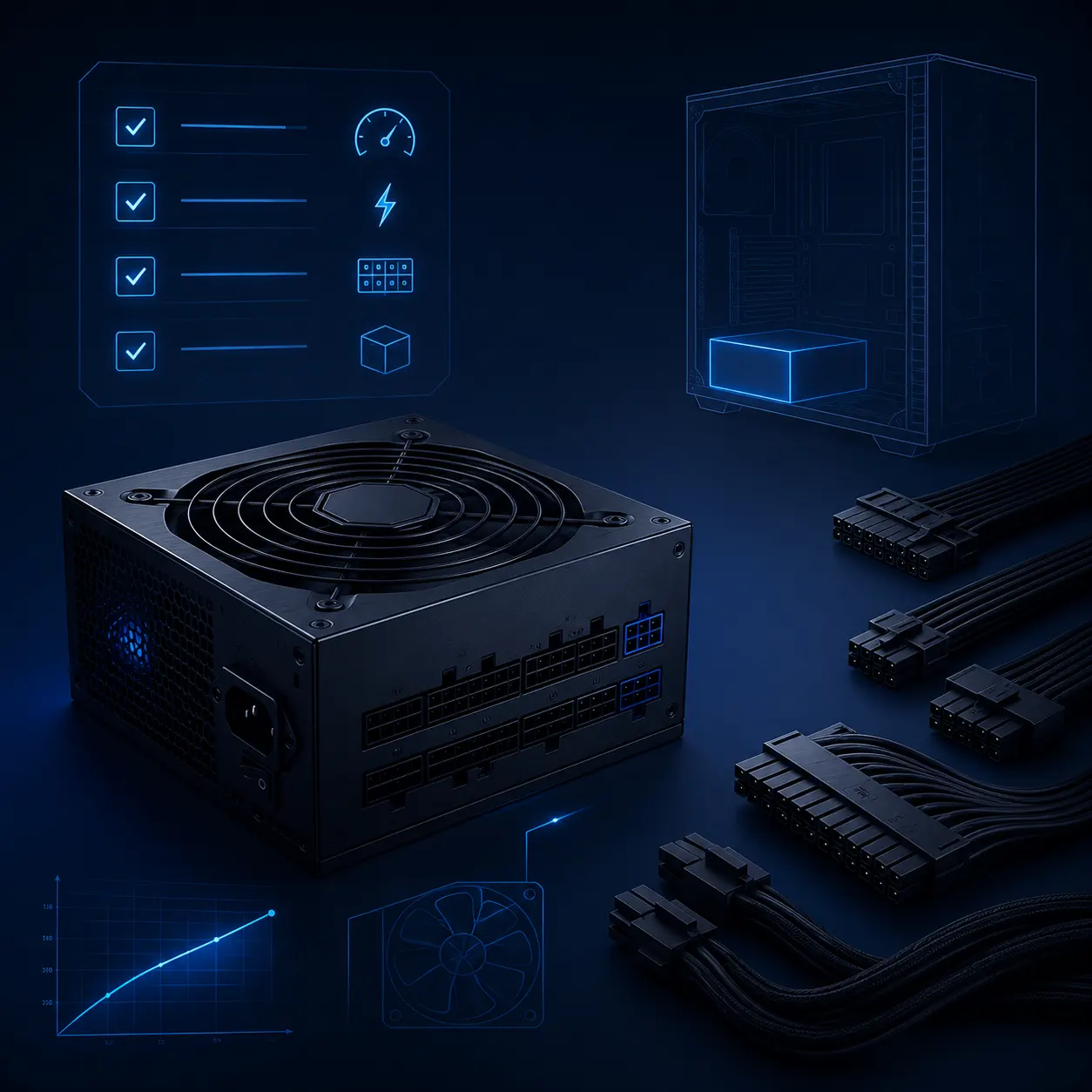
What to Check First
Shop Gaming PSUs by Build Type
Find power supplies by wattage, GPU cable support, case size, and upgrade plans — from balanced gaming PCs to high-end builds.
750W Gaming PSUs
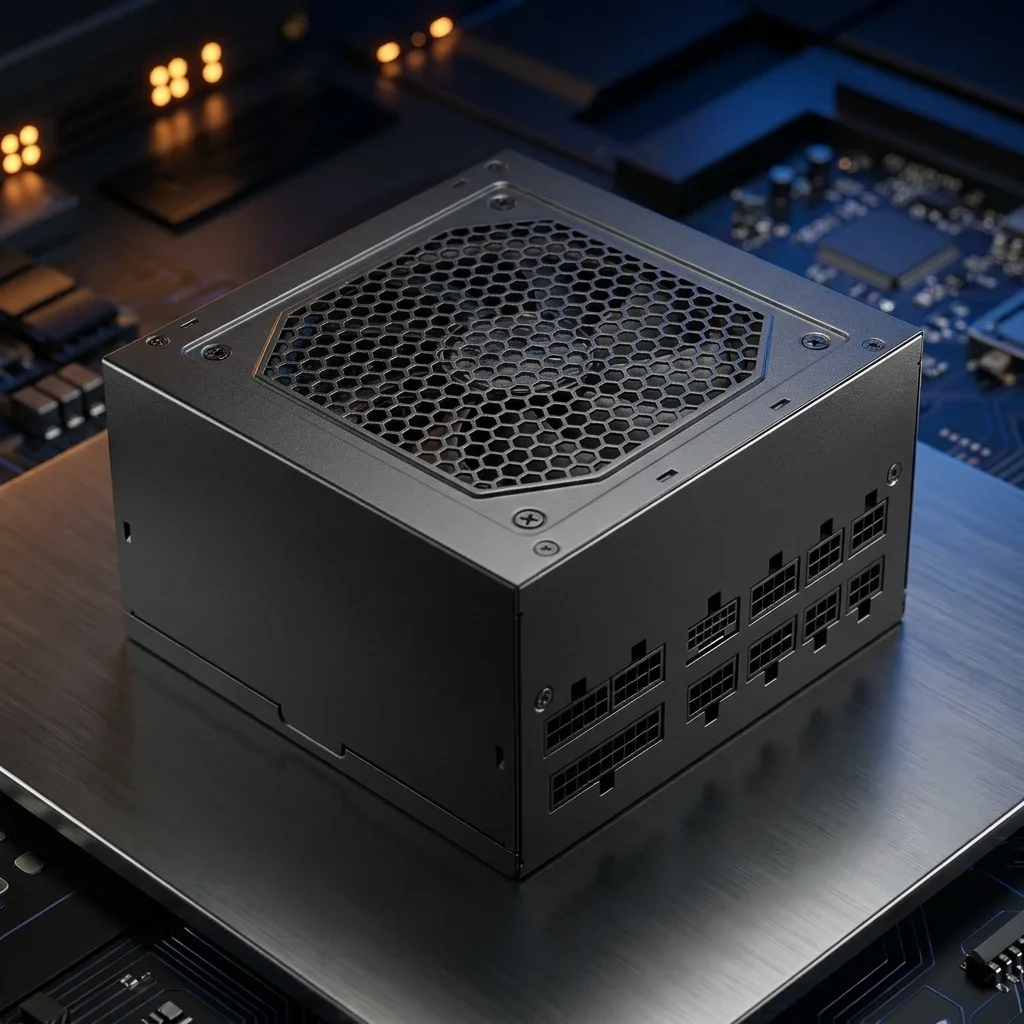
850W Gaming PSUs
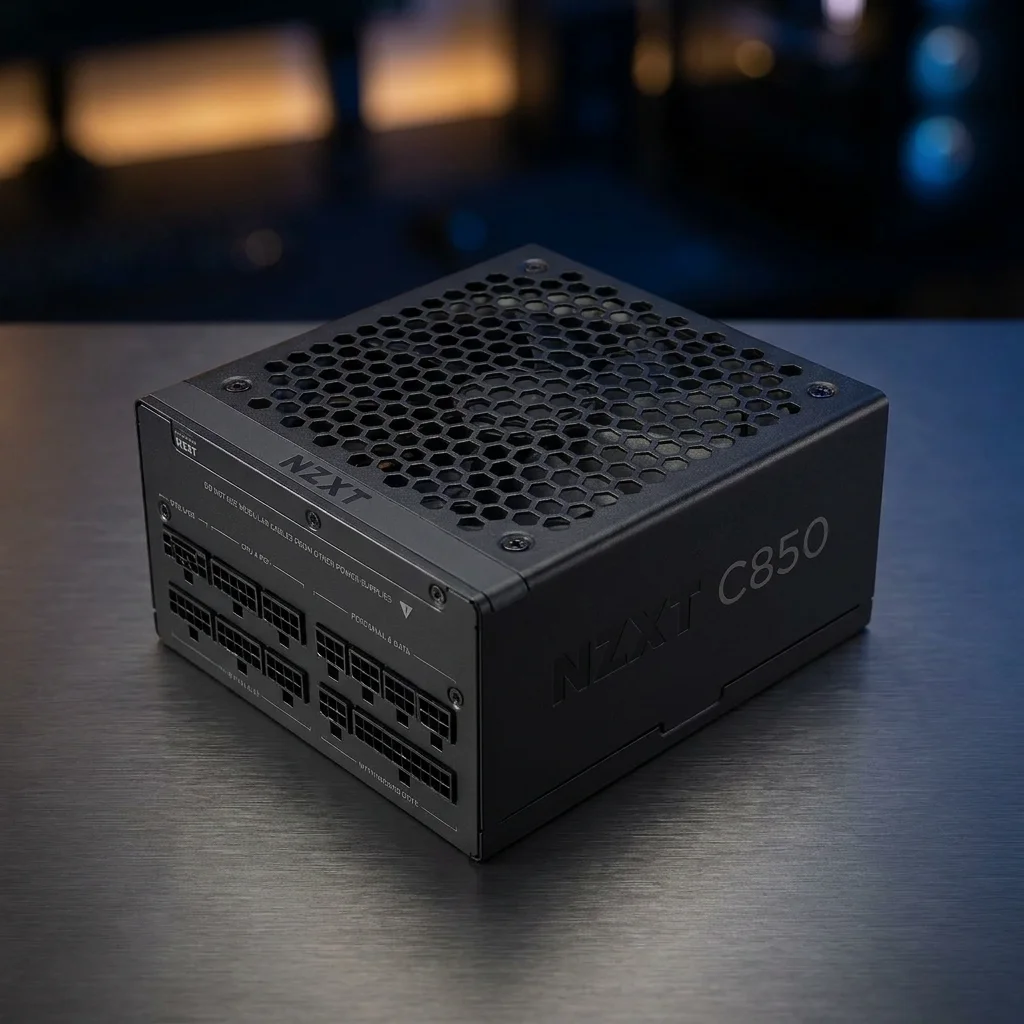
1000W High-End PSUs
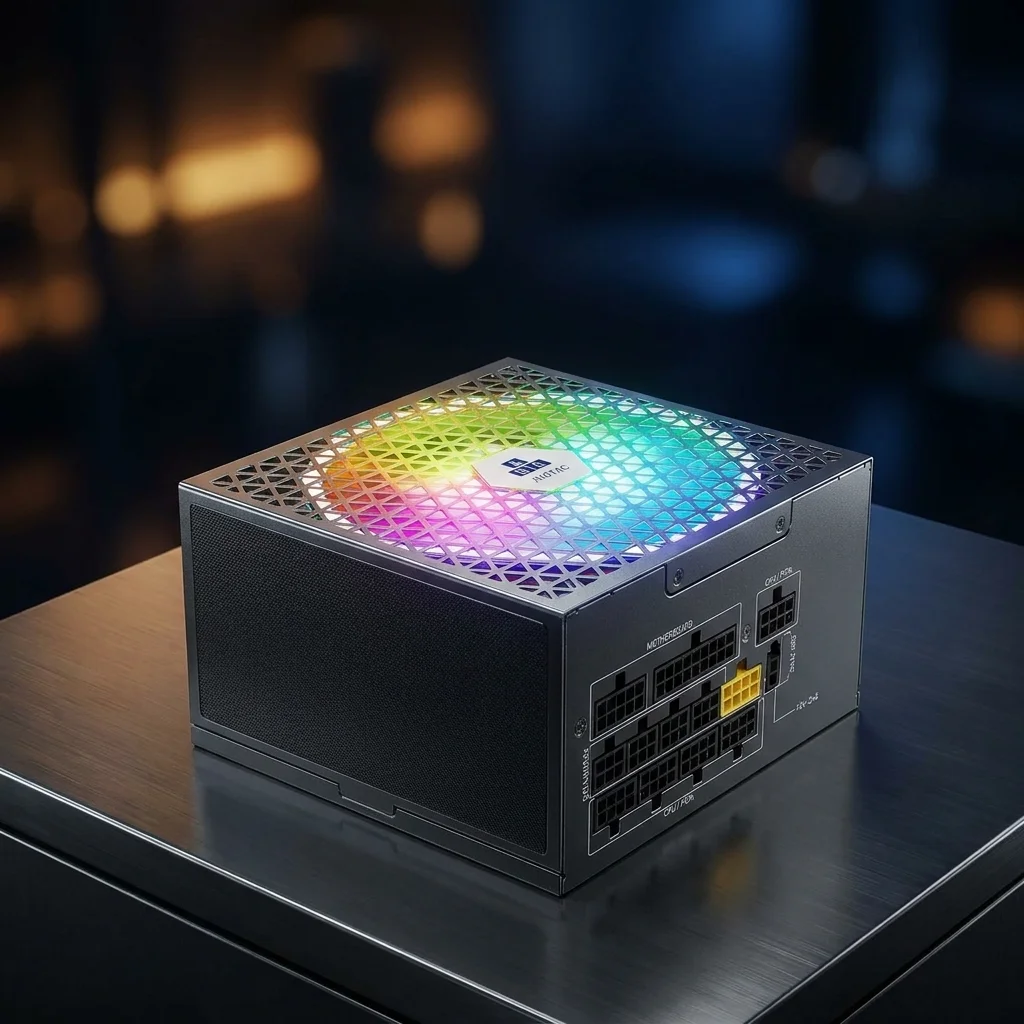
ATX 3.x / PCIe 5.x PSUs
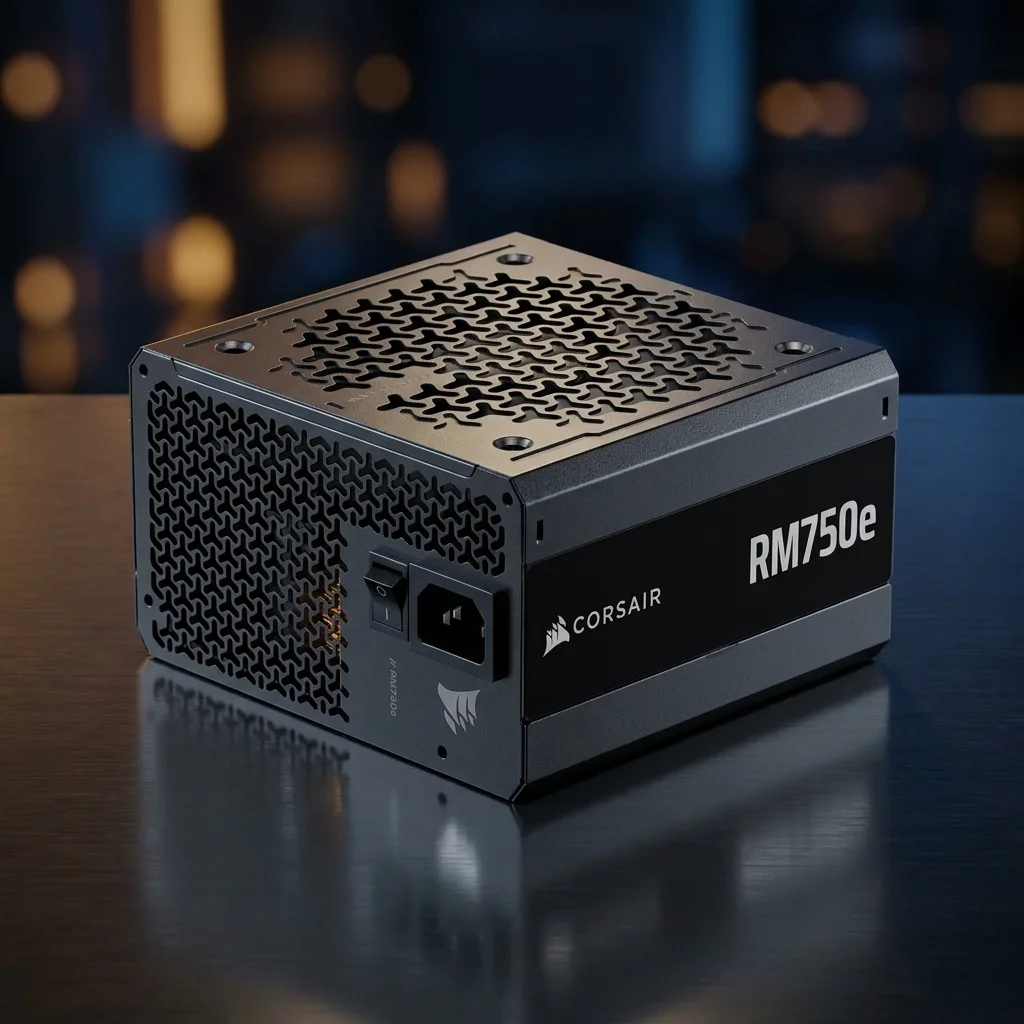
SFX Compact PSUs
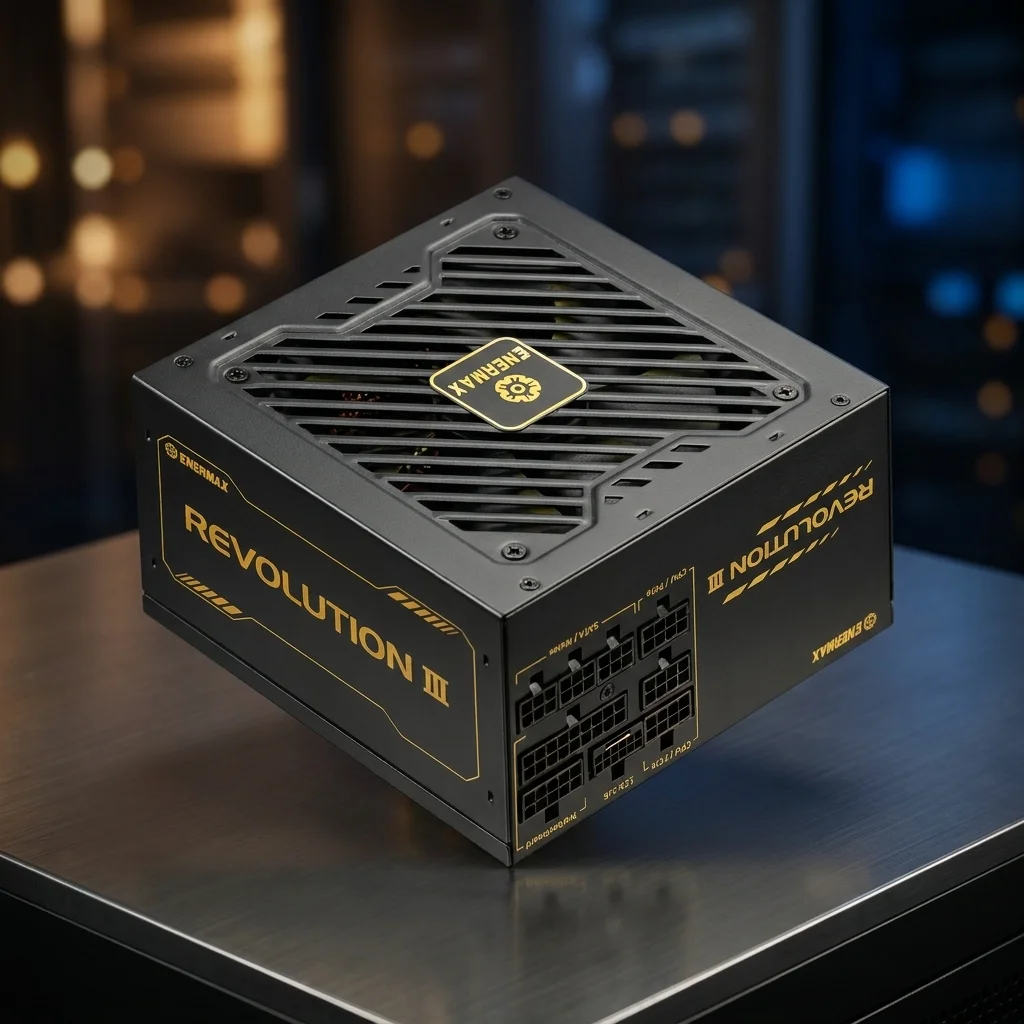
Quiet Modular PSUs
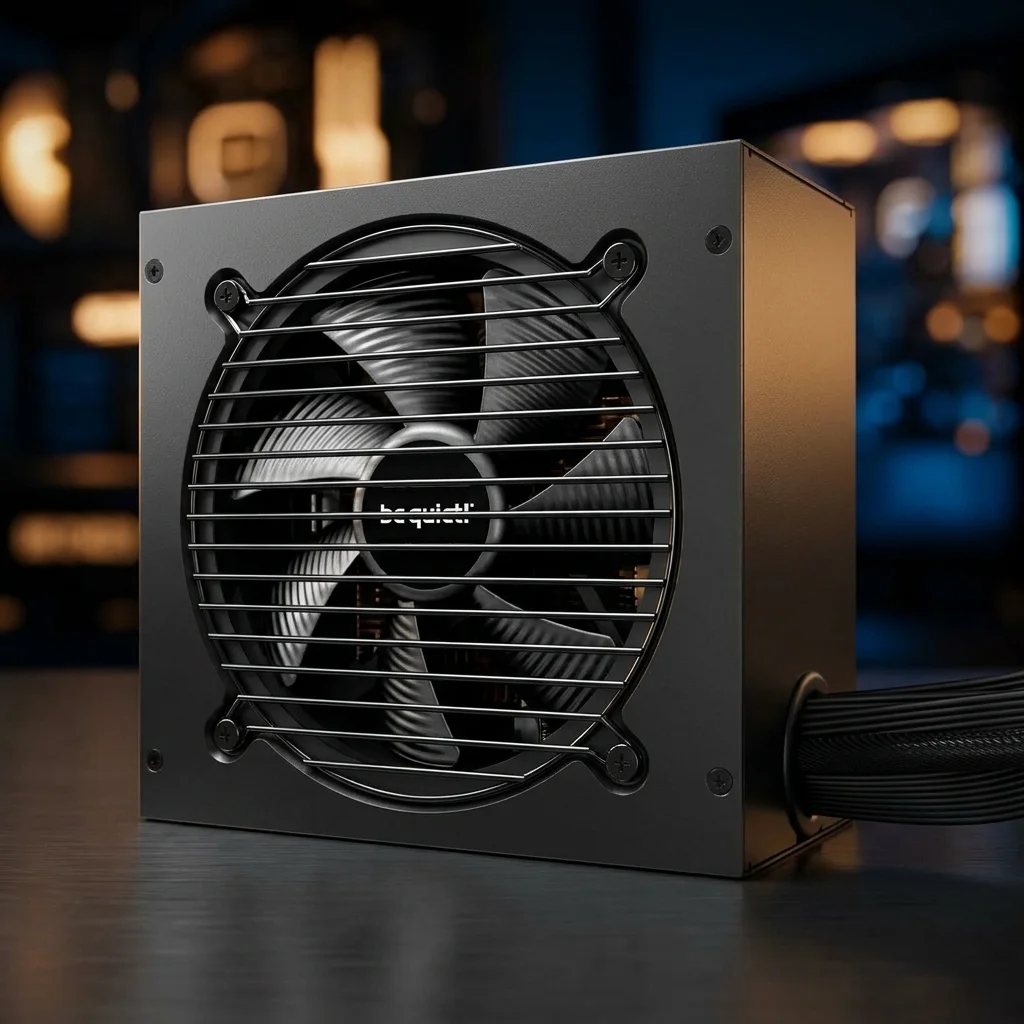
PSU Buying FAQ
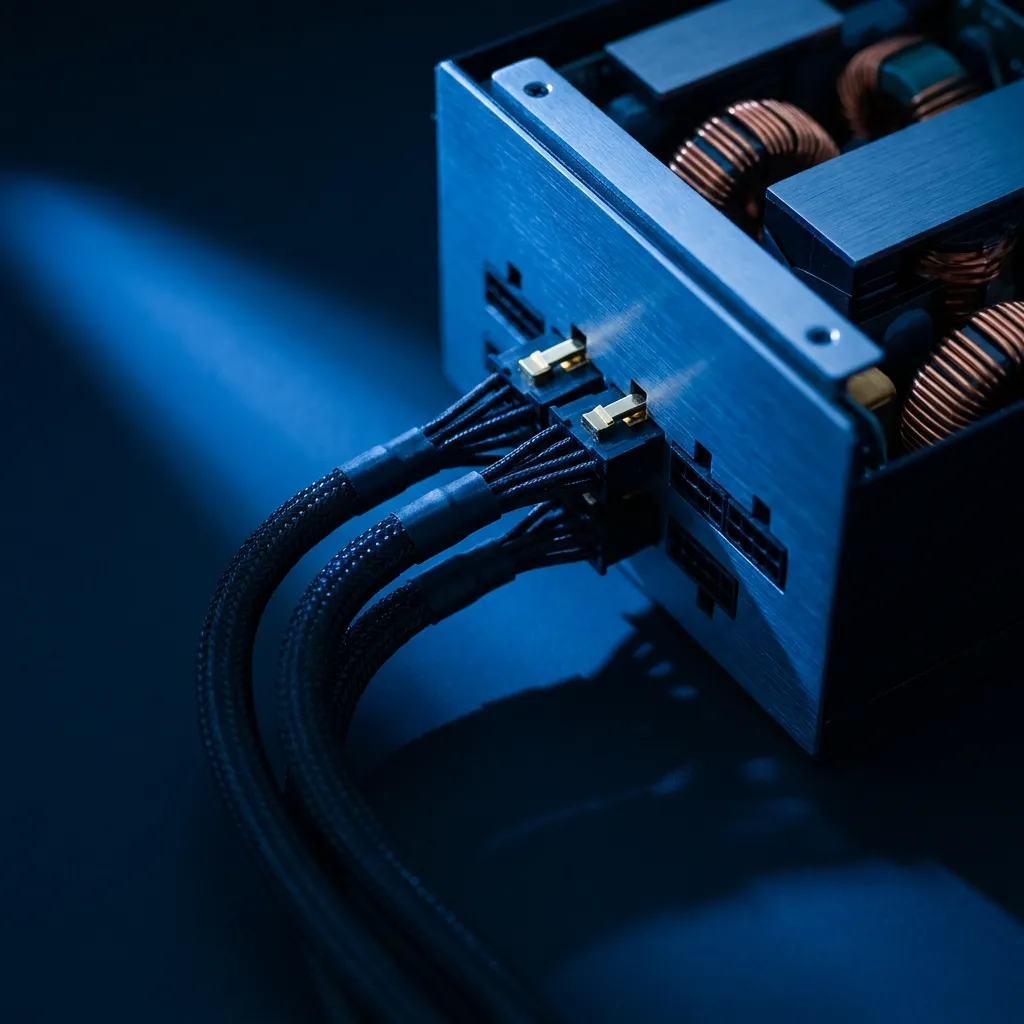
How many watts should a gaming PC PSU have?
Estimate the CPU and GPU first, then leave headroom. Many mid-range gaming PCs fit 650W to 850W, while high-end GPU builds may need 1000W or more.
Is Gold or Better enough for gaming?
Yes, Gold is a common target for gaming PCs. It speaks to efficiency, not full build quality, so still check model-level reviews and protections.
What does ATX 3.1 mean for a PSU?
ATX 3.1 is tied to modern desktop PSU guidance and newer GPU power behavior. For new high-end GPU builds, check for the right native connector support.
Is a modular PSU worth it?
A modular PSU helps cable routing and reduces unused cables. A non-modular unit can still work if the case has enough room and the cable set fits the build.
Does PSU brand matter?
Brand helps narrow the search, but the exact model matters more. Compare warranty, protections, internal platform, noise data, and independent reviews.
Can an old PSU be reused?
Only reuse an old unit if it is reliable, has the needed connectors, and still fits the power target. Unknown or aging PSUs are poor places to save money.
PSU Checklist
Quick checks before choosing a gaming PC power supply.
Wattage Headroom
Match the real build
Estimate CPU and GPU draw first, then add room for spikes, fans, drives, and future upgrades.
Estimate CPU and GPU draw first, then add room for spikes, fans, drives, and future upgrades.
GPU Connector
Check native cable support
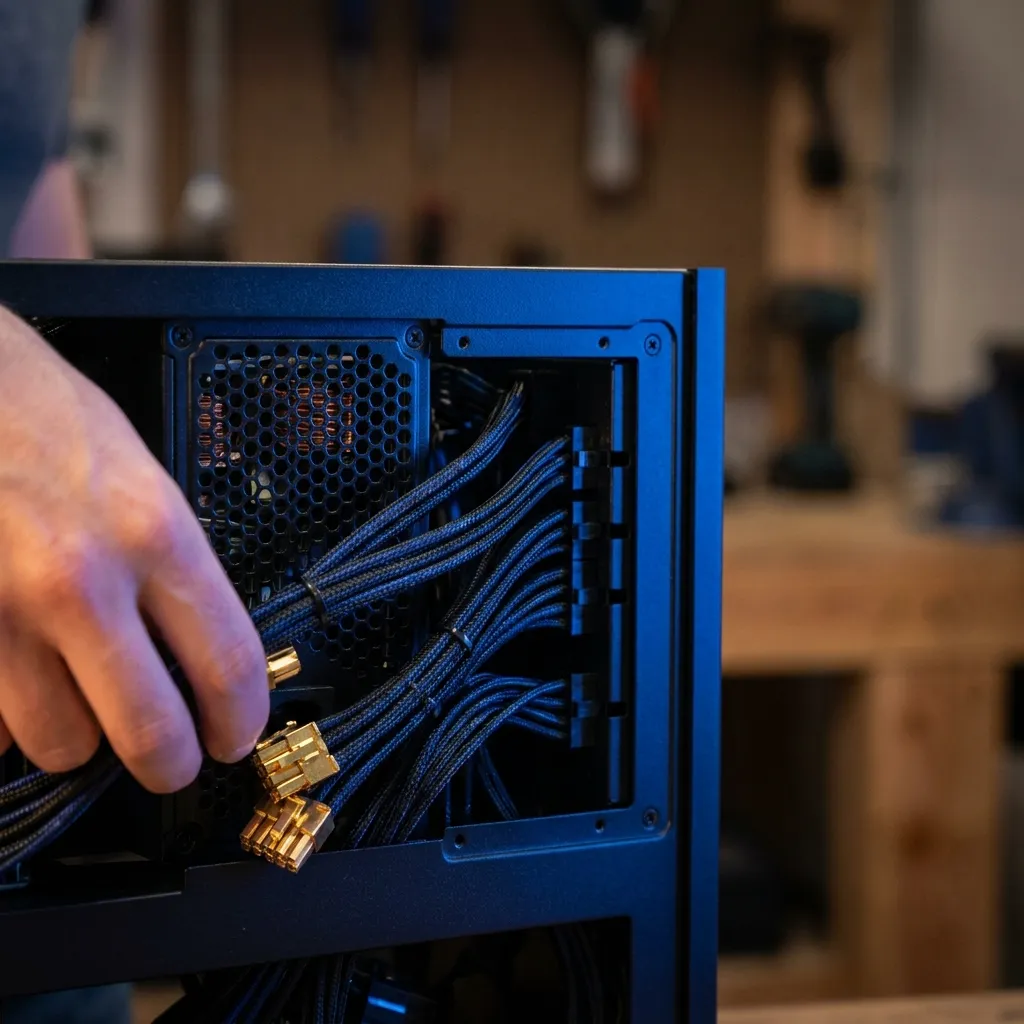
Confirm PCIe, CPU EPS, and 12V-2×6 needs before buying. Modular cables are not universal across brands.
Confirm PCIe, CPU EPS, and 12V-2×6 needs before buying. Modular cables are not universal across brands.
Case Format
Measure the case first
ATX, SFX, and SFX-L units need different space. Cable bend room can matter as much as PSU length.
ATX, SFX, and SFX-L units need different space. Cable bend room can matter as much as PSU length.
Warranty Terms
Read warranty details
A longer warranty is useful, but model quality and protection design still matter more than the box label.
A longer warranty is useful, but model quality and protection design still matter more than the box label.